
AI Cover Letters and Resumes Without Sounding Like a Bot
A friend sent me her cover letter last month, asking why she kept hearing nothing back. It opened with "I am writing to express my strong interest in the position." Every sentence ran the same length. Swap the company name and it would fit any job anywhere: a chatbot draft, pasted straight through. I read a stack of these before I found the actual fix, and it wasn't a better prompt.
Recruiters can tell, and it costs you the interview
In a 2026 TopResume survey, most hiring managers said they can spot an AI-written cover letter, and more than half think less of the candidate when they do. The tools some companies run look for what a tired recruiter already feels: uniform sentence length, stock phrases, accomplishments with no specifics. A letter that could belong to anyone gets skimmed for a few seconds and set aside.
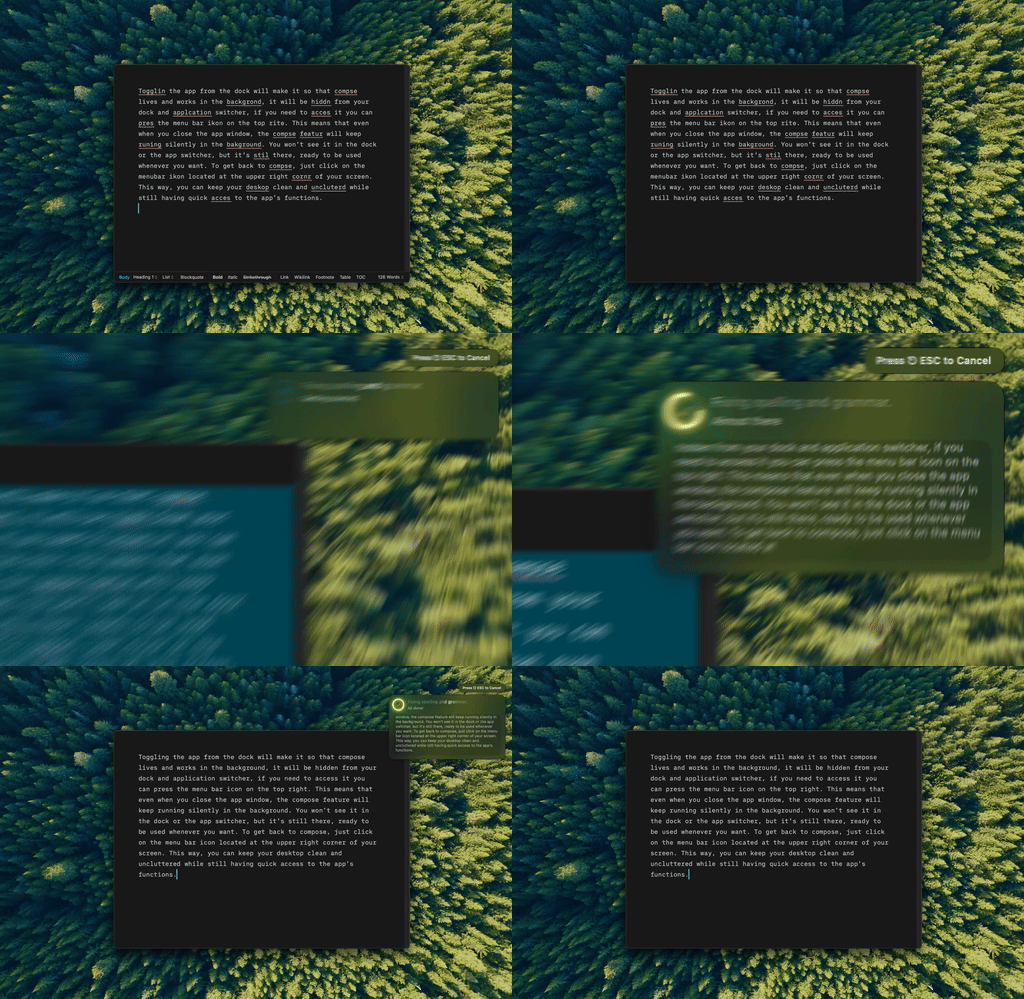
Type Mac polishing my own draft in place. No chatbot draft to start from.
Write the draft yourself first
A chatbot doesn't know why you want this job, what you noticed about the company, or the week you fixed a bug that saved a launch. Ask it to write cold and it fills that gap with the average of every cover letter online, which is why the output sounds like all of them. Put down why the role caught your eye, one thing you did that maps to what they need, a real detail that shows you read past the job title. Ugly and specific beats smooth and generic, the same rule that holds for student essays edited instead of ghostwritten.
Then edit: cut the phrases that scream template
Select your rough paragraph, ask for a tighter version with the same meaning, and read what comes back.
- Cut: "I am writing to express my interest," "proven track record," "detail-oriented professional"
- Fix the tone if it reads too stiff or too casual for the company
- Trim any sentence that runs long
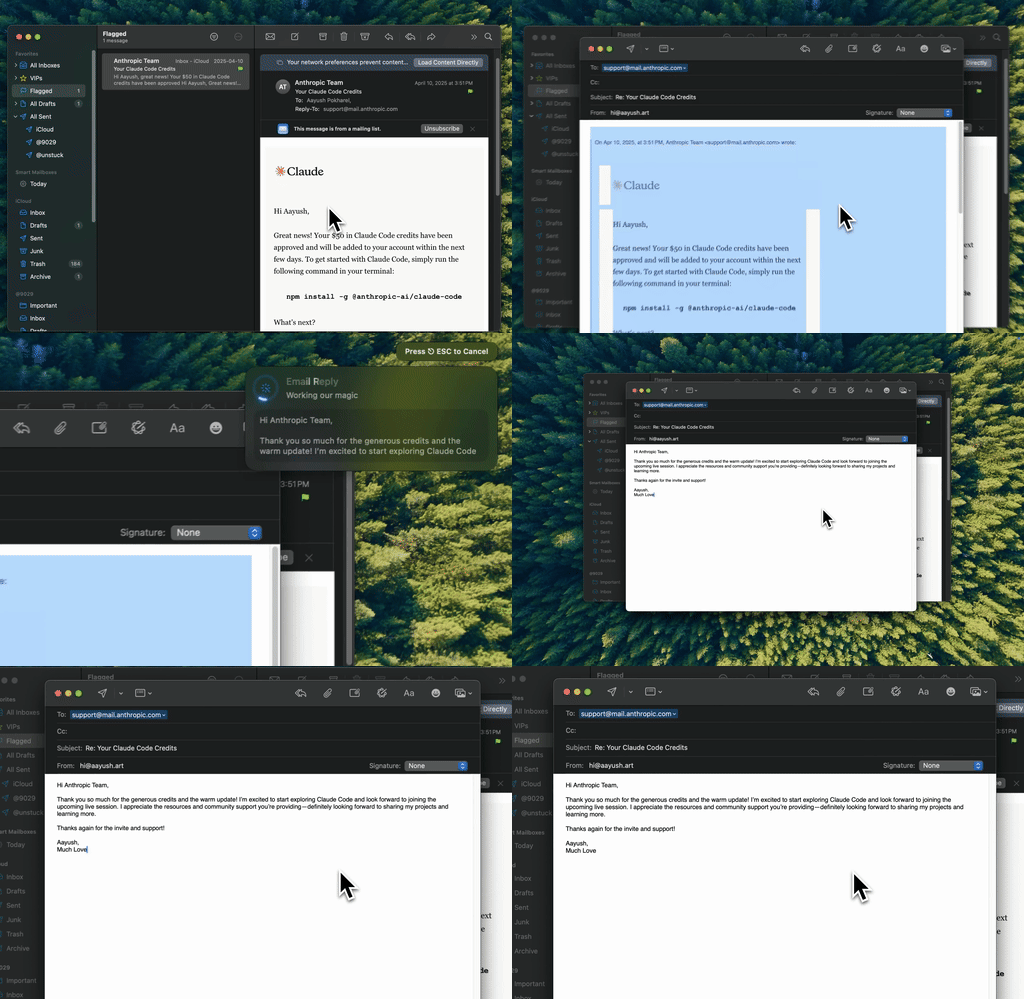
Type Mac tightening a paragraph the same way it tightens an email. Same shortcut, same habit, different inbox.
Same rule for your resume: facts, not vibes
| Version | Example |
|---|---|
| Vague | "Responsible for managing social media accounts" |
| Specific | "Took the newsletter from 400 subscribers to 6,000 in a year" |
AI is good at the rewrite once you hand it the facts, bad at supplying them, and when it guesses, it invents numbers that were never yours. A made-up metric falls apart in the first interview; a real one you undersold is easy to fix. Give it the true detail and let it phrase it cleanly, the same discipline behind making writing more concise without losing the point.
The tool that got the letters sent
None of the editing above needs a chat window if the shortcut is fast enough to use on every paragraph. Type Mac is what stuck because it turned "edit this later" into something I actually did before hitting send.
- Select the paragraph in Docs, Pages, or a plain text field, press a shortcut, get the edit in place
- Same tool handles the tone pass on the cover letter and the specificity pass on the resume bullet
- BYOK support for Claude, GPT, or Gemini, so the model doing the rewrite is one you'd trust with a real application
- Saved context keeps the tone consistent across a cover letter, a follow-up email, and a thank-you note
The honest limitation: it's Mac only. If your job search happens partly on a library computer or a work laptop, that's worth knowing before you build the habit around it.
Write it badly first. Type Mac is what makes editing it fast enough to actually finish.