
Best AI Writing Assistants That Aren't Subscription-Based
I added up my software subscriptions last year and the number was embarrassing. Grammarly, a couple of AI tools, cloud storage, hundreds of dollars a year, and I was barely using half of them. Miss a payment and access gets revoked. Cancel one you barely use and you're stuck in a flow designed to make you give up.
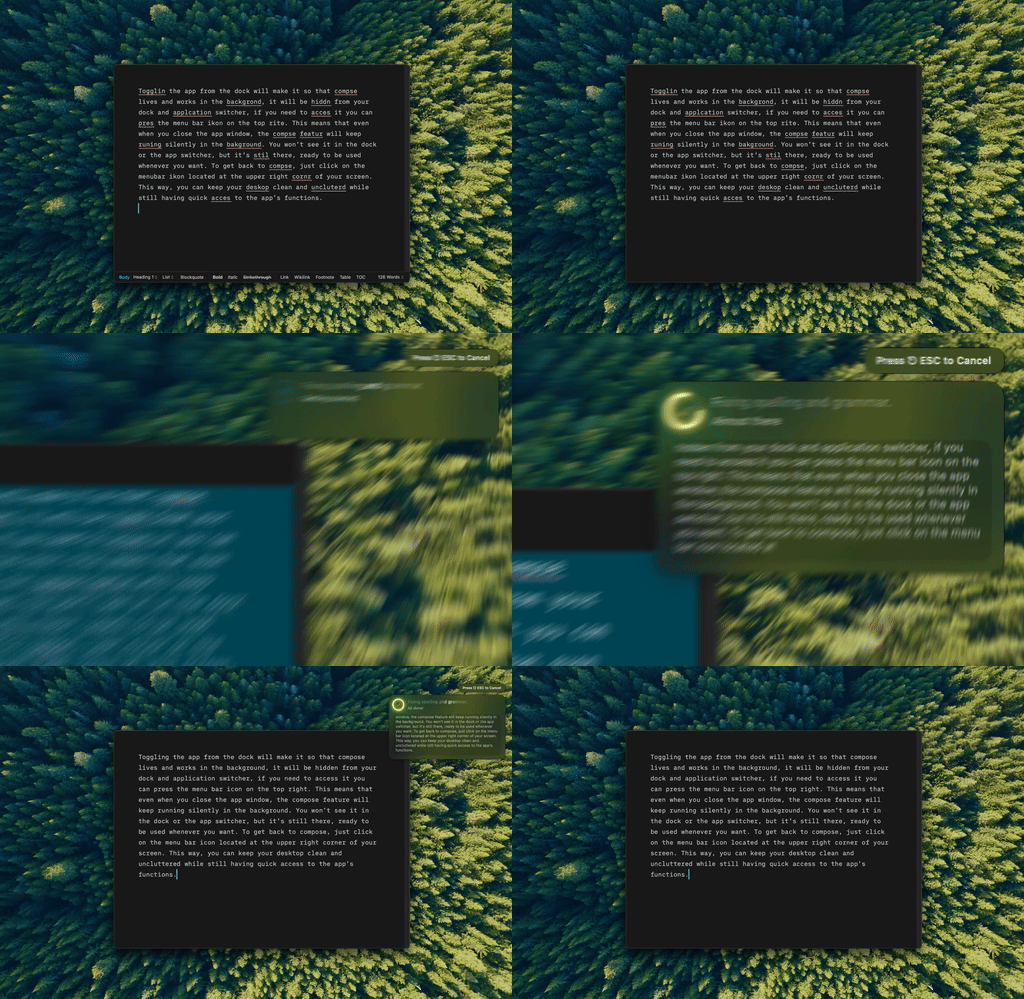
Type Mac — one shortcut, and the fix lands in the document instead of a browser extension's popup.
Renting costs more every year
A $20/month writing tool costs $240 in year one, $480 by year two, $720 by year three. A one-time $50 purchase breaks even in three months, and you own it: your workflows, your settings, your data. Nobody can flip a switch and take that away.
Subscription apps also chase feature creep to justify price increases, bolting on tools nobody asked for until the app gets bloated. A focused tool that does one thing well tends to beat a platform trying to do everything.
One-time-purchase tools already on the market
| Tool | Price | Good for | Limit |
|---|---|---|---|
| ProWritingAid | $399 lifetime | Grammar, style, readability reports | No AI rewriting |
| Hemingway Editor | $19.99 | Readability scoring | Specialized, not a general assistant |
| iA Writer | $49.99 | Focused Markdown environment | Writing environment, not AI |
BYOK: pay cents per use instead of a flat fee
Bring your own key means connecting an API key from OpenAI, Anthropic, or Google instead of paying a developer for AI access. Pay once for a native Mac app, then pay pennies per use with your choice of models and no middleman markup:
- Fixing grammar in a paragraph: $0.001–$0.003 with a cheap, fast-tier model
- Rewriting an email: $0.005–$0.01
- Editing a full document: $0.05–$0.15
Typical usage lands around $5 to $15 a month in API costs, a fraction of subscription pricing, with access to current frontier models.
What to check before you buy
- Native performance (Swift, not Electron)
- System-wide keyboard shortcuts, not a single-app tool
- A privacy-respecting architecture: your own API key, not a black box
- Active updates. A one-time purchase shouldn't mean an abandoned app
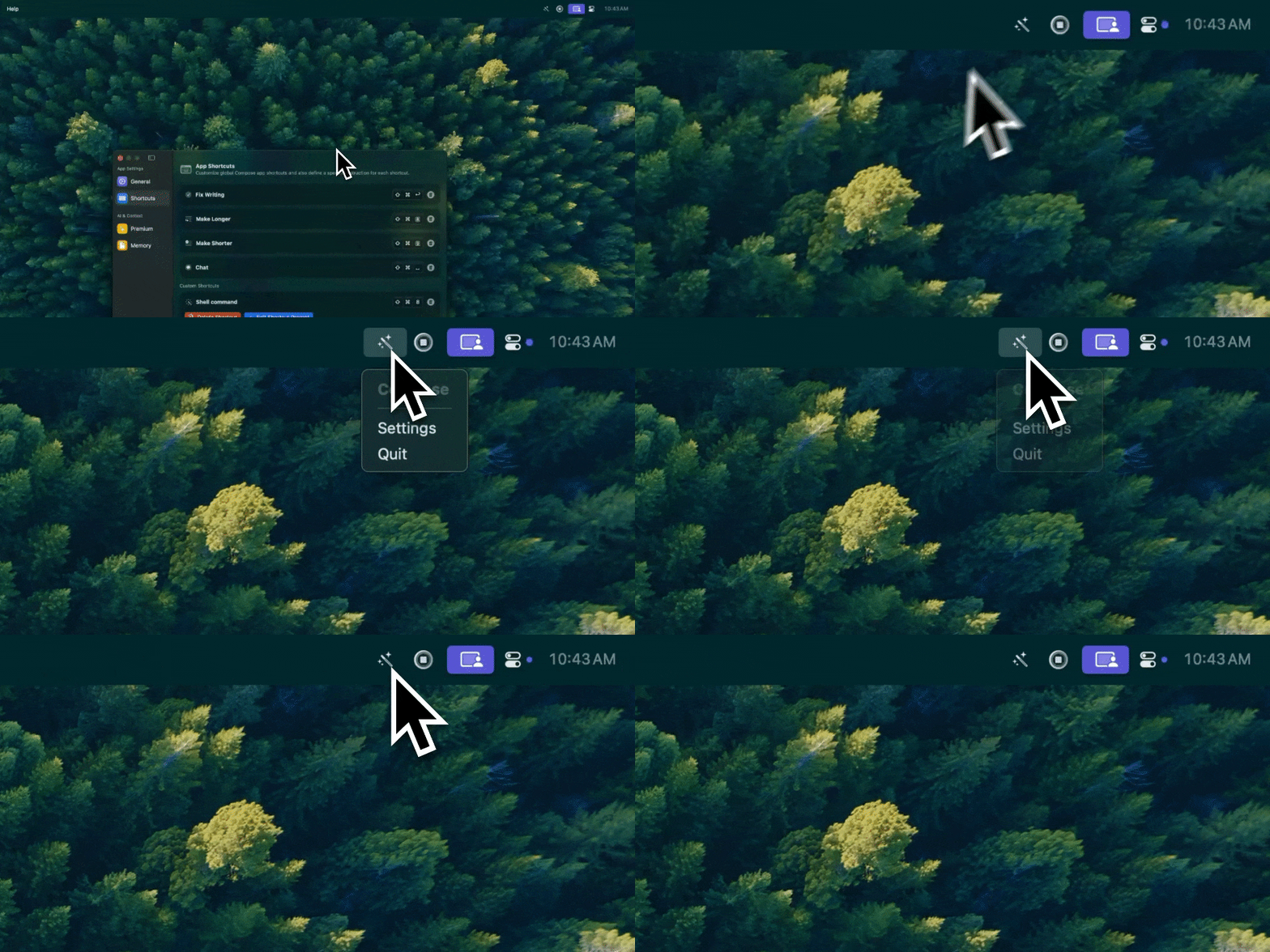
No dock clutter, no browser tab. Type Mac sits in the menu bar until the shortcut calls it.
Red flags
- "Lifetime" deals with fine print capping them at a few years
- Online activation required with no offline fallback
- Hidden token limits, even on apps that advertise BYOK
Where my money actually went
If you're locked into subscriptions now, export your data, trial a couple of alternatives, and do the math. Type Mac is what I settled on, for reasons specific to how I write:
- It sells three ways: $4.99 a month, $49.99 a year, or $249.99 once for a lifetime license with no bill after that, so the anti-subscription path is a real option, not a footnote
- BYOK means my writing goes straight to whichever model I picked, not through a developer's server, and I pay only for the tokens I use
- The same shortcut works in Mail, Slack, Notion, and Xcode, so I stopped needing a different tool for each app
It's Mac only: no iPhone version, no Windows build. If you write across platforms, budget for a second tool on the side. Type Mac is the one I stopped paying monthly for.
Pay once and keep writing. Type Mac offers a lifetime license alongside the usual monthly and yearly plans, free to try for 7 days.