
Apple Intelligence Writing Tools vs. Type Mac: What's Missing
I updated to macOS Tahoe the week it shipped, mostly to watch what Apple Intelligence would do to the way I write. A few months in: a fair amount, for free. It's also why I still pay for a separate writing app, and I can say why without pretending Apple's version is bad. It isn't. It's the ceiling, not the whole floor plan.
Writing Tools cover Mail, Notes, Messages, and Pages for free
Select text, control-click, choose Writing Tools. Proofread catches errors a plain spellchecker misses, like their/there and affect/effect, and explains why it changed something. Rewrite cleans up a clumsy sentence with Friendly, Professional, and Concise versions. Summarize turns a long thread into a few lines or a table. Most of it runs on-device, so short edits stay on your Mac. If this covers most of your writing, that's a fair place to stop reading.
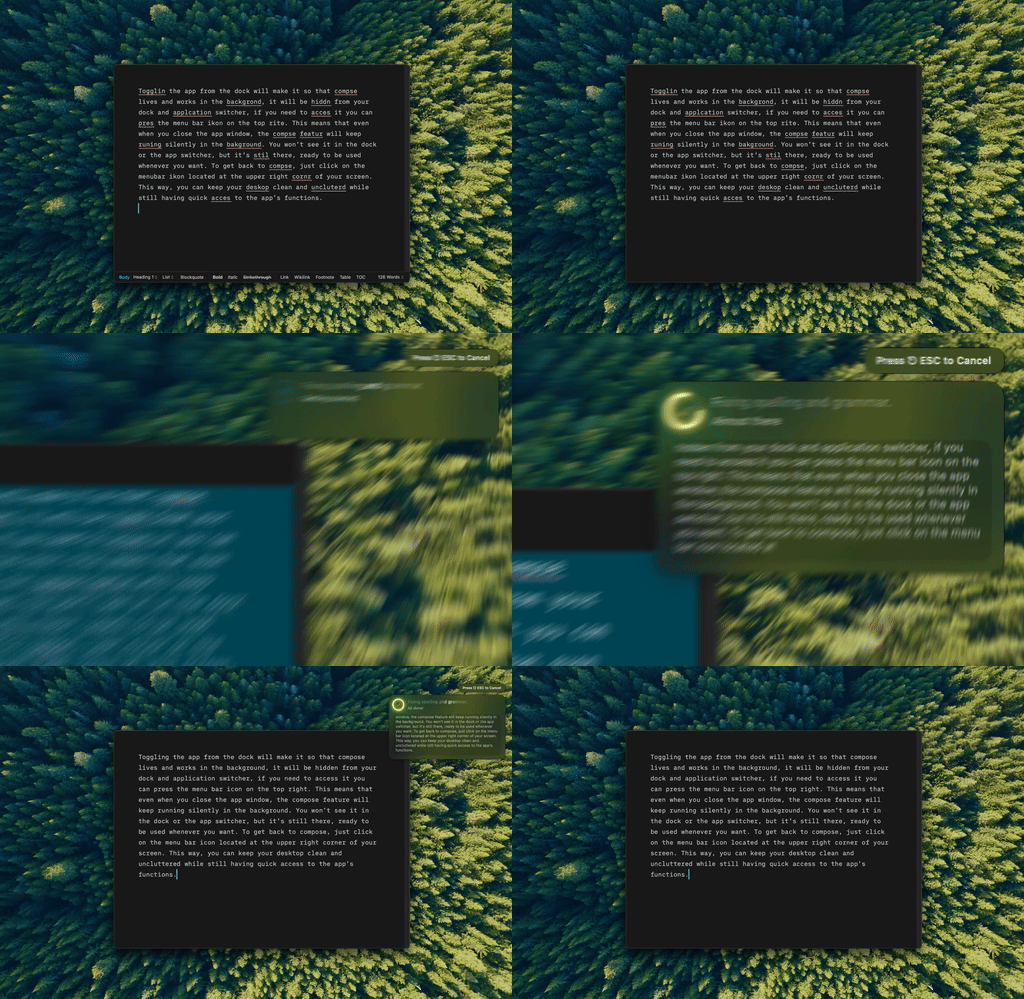
That's Type Mac, fixing, rewriting, and translating text in any app from one keyboard shortcut.
Where Type Mac and Apple's tools split
| Type Mac | Apple's Writing Tools | |
|---|---|---|
| Price | Paid, 7-day trial on the yearly plan | Free |
| Model | Built-in, or bring your own key for Claude, GPT, or Gemini | On-device, plus an optional ChatGPT toggle |
| Prompts | Custom, one per shortcut | Fixed: Friendly, Professional, Concise |
| Memory | Saves notes on how you write | None |
| Requirement | macOS 14 Sonoma or later | Apple Silicon and 8GB of memory |
Free and fine for proofreading is the honest ceiling on Apple's side, and that's not a knock. It's what the feature was built to be.
Rewrite gives you three tones, and that's the whole menu
The tool set is fixed: Apple's tools, in Apple's words. If none of the three fit, there's no fourth. Proofread is all or nothing: a corrected block, not a walk through changes one at a time, which gets hard to trust on a long document. For the wider field, I compared the rest of the AI writing tools for Mac beyond Apple's own.
The only model choice is ChatGPT, off by default
Edits run on Apple's on-device model. The one external option is ChatGPT, turned on per request: one integration Apple picked, not a real choice between providers. No Claude for a delicate reply, no Gemini for a summary. If proofreading is all you need, these free system-wide shortcuts might be as far as you have to go.
Apple Silicon and 8GB of memory are required
Intel Macs are out even when they run Tahoe. You can put a shortcut on a menu item, but not build your own action with your own instructions. Other free routes into Grammarly-style corrections exist too, if budget is the constraint.
Why I pay for something Apple gives away
Apple raised the floor for everyone. What stayed installed, even with the free option sitting right there:
- A shortcut for grammar, one for shortening, one for a formal rewrite, one for translation, each running a prompt I wrote instead of one of three fixed tones.
- Model choice: text goes to whichever provider I picked for that shortcut, not whatever Apple integrated.
- It remembers how I write between sessions. Apple's tools start from zero every time.
The honest limitation: it needs Accessibility permission on first launch to read and replace selected text, a permission prompt Apple's own tools never ask for since they're already part of the system.
Write in every app at the speed of a keyboard shortcut. Type Mac picks up where Apple's free ceiling stops.