
Best Mac Productivity Apps for 2026
I've rebuilt my Mac setup from scratch three times in the last two years, chasing the version that actually stays out of my way. Most apps get uninstalled within a week. A handful survived every rebuild. This is that list, plus the one thing I ended up paying for.
Menu bar essentials: Raycast, Rectangle, Hidden Bar
| App | Price | What it replaces |
|---|---|---|
| Raycast | Free | Spotlight, clipboard history, window management, snippets, scripts |
| Rectangle | Free | Window snapping to halves, thirds, quarters |
| Hidden Bar / Ice | Free | Hides the menu bar icons you don't check daily |
Raycast's free tier covers what most people pay for elsewhere. Alfred is the alternative for deeper workflow customization, a one-time Powerpack purchase, but Raycast's learning curve is lower.
An AI writing shortcut beats copy-pasting into a chat window
Grammarly only sees text inside a browser tab. Close Chrome and it's gone, so anything you write in Mail, Slack, or Xcode goes unchecked. I stopped pasting text around to work past that.
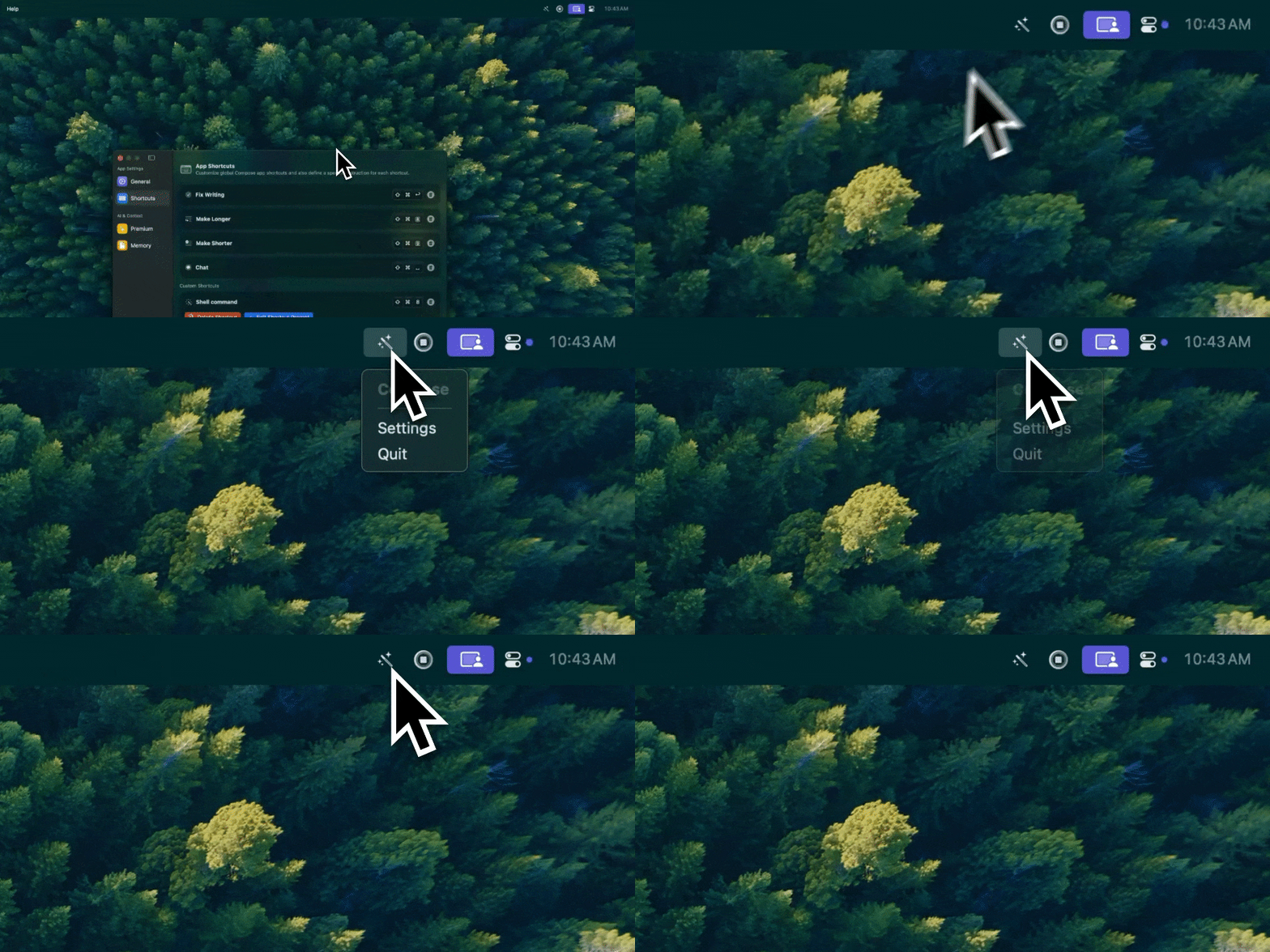
Type Mac sits in the menu bar. I select a paragraph, hit a shortcut, and the fix lands in place, whatever app I'm in.
What made it stick: it's native, not Electron, so it doesn't idle in Activity Monitor, and bring-your-own-key means I pay the API provider directly instead of a flat subscription on top.
Keyboard-first: Karabiner, Espanso, Maccy
| Tool | Price | What it does |
|---|---|---|
| Karabiner-Elements | Free | Remaps any key; turns Caps Lock into a Hyper key (⌃⌥⇧⌘) for shortcuts nothing else uses |
| Espanso | Free | Text expansion: ;email becomes your address, ;today inserts the date |
| Maccy | Free | Clipboard history |
| Pastebot | One-time purchase | Clipboard history plus organized collections, iCloud sync, paste sequences |
I go deeper on the keyboard-only workflow, launcher shortcuts and all, in a separate rundown of keyboard-first Mac tools.
Focus and time tracking: HeyFocus, Toggl
HeyFocus blocks distracting sites with one click, a one-time purchase. Toggl's menu bar timer tracks time with one click; the free tier covers most people.
Writing and notes: Obsidian, iA Writer, Bear, Drafts, Tot
| App | Price | Best for |
|---|---|---|
| Obsidian | Free (personal use) | Local markdown, no lock-in, plugin ecosystem |
| iA Writer | One-time purchase | Distraction-free writing, best-in-class typography |
| Bear | Freemium | Middle ground: prettier than Notes, simpler than Obsidian |
| Drafts | Freemium | Write first, organize later |
| Tot | One-time purchase | Seven colored dots of scratch space for quick notes |
Native apps stay light; Electron apps don't
Run three or four Electron menu bar apps at once and you can feel it: fan spin-up, sluggish app switching, a gigabyte gone to background processes you forgot were open. Native apps respond faster and hook into macOS Services the way Electron apps generally can't. More on that switch in native Mac apps versus Electron.
Where to spend money
Utilities, window managers, clipboard tools, text expanders: these are solved problems. Buy once instead of subscribing, and save subscriptions for things with ongoing API costs.
Starting fresh: Raycast, Rectangle, Maccy, Hidden Bar, and Espanso cost nothing. Setting up a new MacBook Pro from zero? This rundown of must-have M4 apps covers the rest of the stack beyond writing.
The app I open most without noticing
Everything above earns its spot, but most of it is free. The one recurring cost on my Mac is Type Mac, and it's the one I'd reinstall first. Three reasons:
- It works in every app I write in: Slack, Xcode comments, Notion docs, Safari form fields, not the handful with a browser plugin.
- BYOK means I picked the model, not the vendor, and I'm not paying a markup on top of the API cost.
- One shortcut for grammar, one for a shorter version, one for a formal rewrite. No popover to click through first.
The honest limitation: it's Mac only, no iPhone version, so anything I draft on my phone still gets a manual pass later.
Building a Mac setup from zero? Type Mac is the one paid app in this whole list, and the first thing I install.