
Free Grammarly Alternatives That Actually Work (2026)
I paid for Grammarly Premium for two years, up to $360 of it a year, before I actually tested what the free tools could do. Tone detection and clarity suggestions are nice. They aren't $360 nice, and by 2026 the free options have mostly caught up.
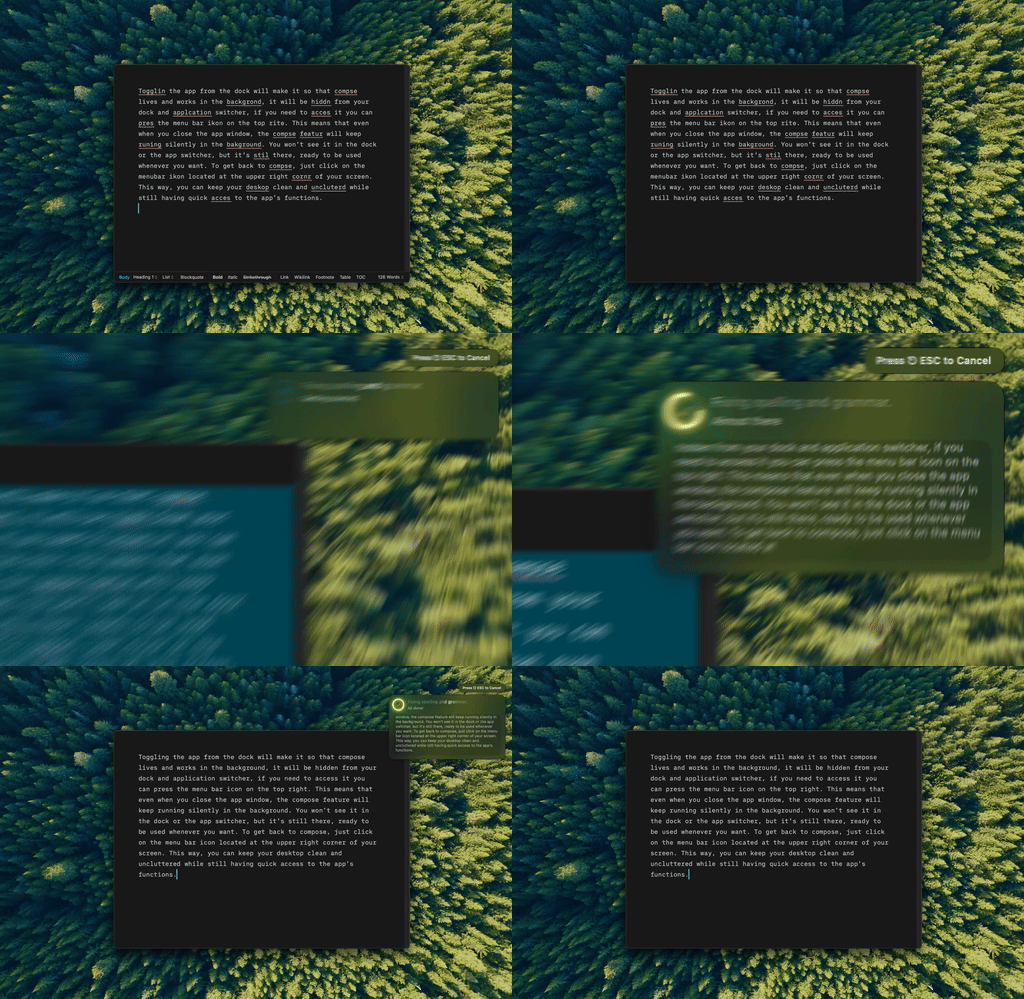
Type Mac — checking a paragraph on my Mac with one shortcut, no subscription running in the background.
Six ways to check your writing, at every price point
| Tool | Cost | Works everywhere | Catch |
|---|---|---|---|
| Type Mac (BYOK) | Cents per use | Every app, system-wide | Not actually free, it's paid software |
| macOS built-in checker | Free | Every native app | Typos only, no style help |
| LanguageTool | Free tier (20,000 characters/check) | Browser-focused | No style suggestions or "picky mode" |
| Hemingway Editor | Free (web) | Paste-in only | Readability, not grammar |
| Google Docs | Free | Google Docs only | Docs live on Google's servers |
| AI API direct (BYOK) | ~$0.001 / 1,000 words | Wherever you paste it | Copy-paste breaks your flow |
macOS's checker is already on your Mac
System Settings → Keyboard → Text. Offline, private, free, and most people never open the menu.
LanguageTool is the strongest free dedicated checker
20,000 characters per check, roughly 3,500 words, 30+ languages, open source, self-hostable so your text never leaves your machine. I went deeper on how it stacks up against Grammarly if privacy is the deciding factor for you.
Hemingway checks readability, not grammar
Paste text into the free web version and it flags complex sentences and passive voice. I reach for it when something feels clunky and I can't tell why. It's a complement to grammar checking, not a replacement: more tools in that lane if readability is the actual problem.
Where AI actually beats a rule-based checker
Send text to a cheap, fast-tier model and the fixes understand context, not rules: about $0.001 per thousand words, so 10,000 words a day runs maybe $3 a month. Grammarly highlights errors. AI rewrites unclear sentences, adjusts tone, expands or condenses text, and translates, responding to what you meant instead of which rule you broke.
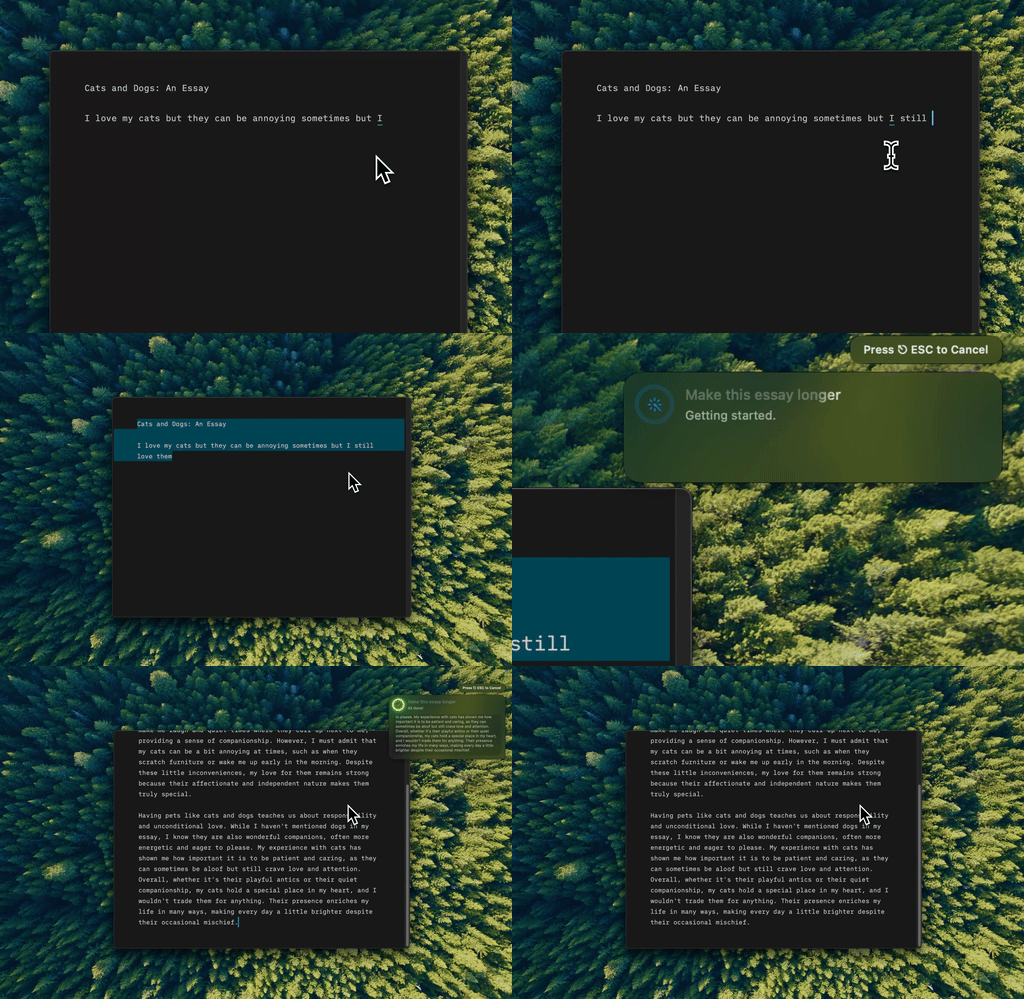
Type Mac — three bullet points went in, a full paragraph came out, same shortcut I use for typos.
Pasting into ChatGPT, Claude, or Gemini works too, but it breaks your flow every time you switch tabs. A native app with a shortcut fixes text in place instead. For the fuller case against Grammarly on Mac, see the native-app alternatives.
Know where your text goes before you layer these together
Use the OS spellchecker for typos, LanguageTool or Hemingway for anything that matters, AI for client-facing work. Built-in tools and self-hosted LanguageTool stay local; Google Docs and ChatGPT process text on their servers; BYOK apps send text straight to the provider you pick, no middleman.
Free tools cover most of what a solo writer needs. Team features and enterprise collaboration are where paid tools earn their keep, which is most of what the $360 was buying.
What I pay for after trying the free ones
Free is not what kept me off Grammarly. Type Mac did, and it isn't free: cents per use instead of a yearly bill, but a real cost. The same shortcut fixes a typo, rewrites a flat sentence, or expands three bullets into a paragraph, so I stopped switching between four tools for four jobs. It reaches Slack and Mail the same way it reaches Google Docs, and I choose the model per task instead of whatever engine ships that year.
The honest limitation: it costs money. If your budget is genuinely zero, macOS's built-in checker and self-hosted LanguageTool are the real free tier, and they cover most typo-and-clarity work. Type Mac is what I pay for instead of Grammarly.
Skip the $360 subscription. Type Mac costs pennies per fix, not a yearly bill.