
10 Best Mac Menu Bar Apps for Writers (2026)
I've cycled through more menu bar apps than I can count over the past two years. Most got quit within a week of installing them. These are the ones still sitting up there, and what earned each one its spot.
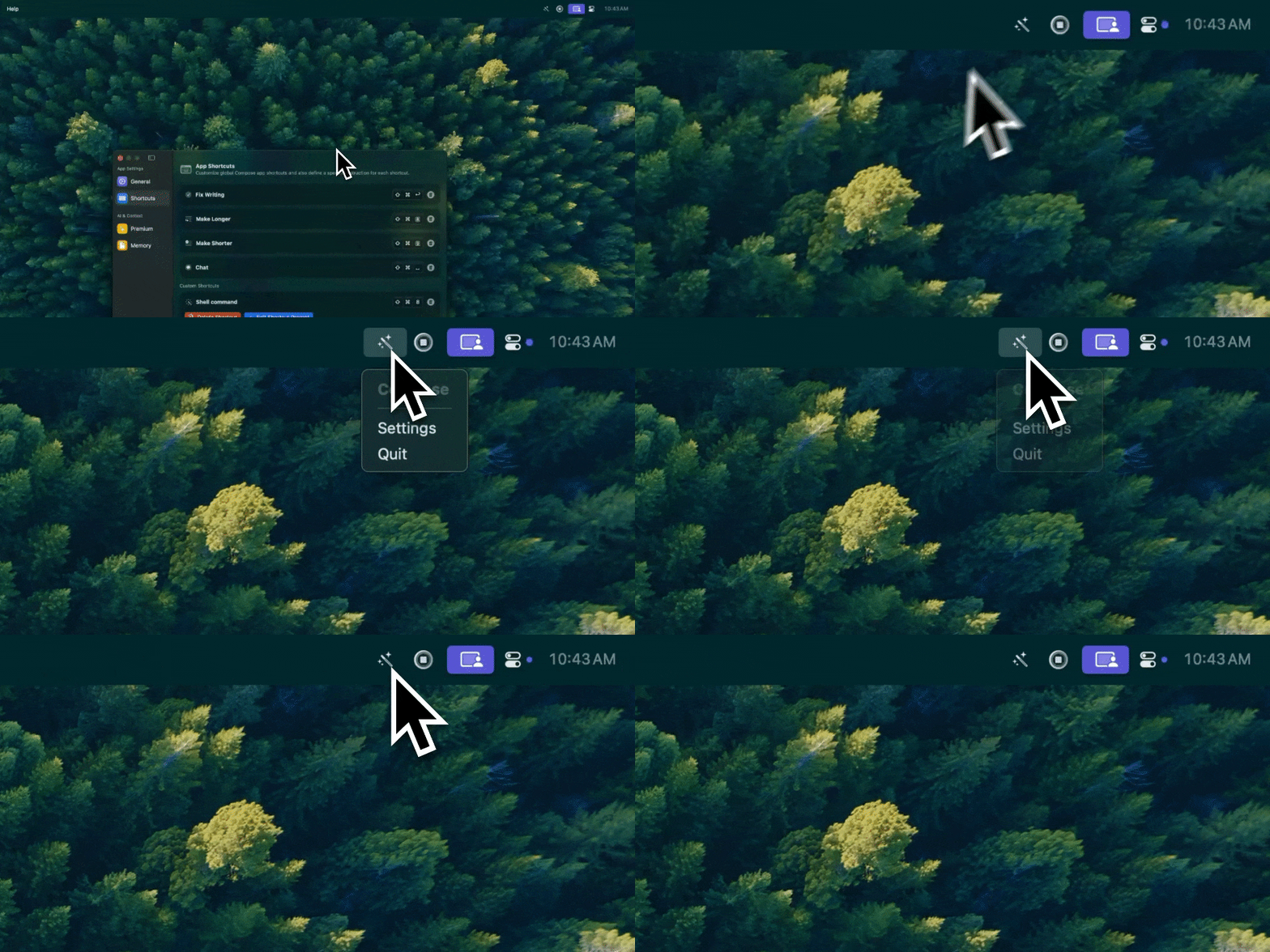
Type Mac is AI writing assistance that lives in my menu bar: grammar, rewriting, and translation with one click or one shortcut.
The core three: AI writing, a launcher, a clipboard manager
An AI writing assistant replaces three or four other tools
Select text anywhere, press a shortcut, get grammar fixes or a full rewrite. It works in my email client, Slack, Google Docs, Notes, and code editors, all of it, the same system-wide grammar checking I rely on daily. Look for a native Mac app, since it runs all day, BYOK support so you control costs, and shortcuts you can rebind.
Raycast adds snippets, lookups, and file search
Raycast (or Alfred, if you prefer it) covers clipboard history, text snippets, quick dictionary lookups, word counts on selected text, and file search across projects. Type ;sig and get my email signature, type ;addr and get my mailing address. The free tier covers what most writers need.
A clipboard manager saves what you copied twenty minutes ago
I copy a quote from research, write for twenty minutes, then need that quote again. Without clipboard history, it's gone. Maccy is free and fast. Pastebot ($13–15 one-time) adds organized collections and paste-as-plain-text, which matters when I'm pulling text from formatted web pages.
Seven more apps worth a menu bar slot
| App | Price | What it does |
|---|---|---|
| HeyFocus | $20–40 one-time | Toggle-able distraction blocker (Twitter, Reddit, YouTube) |
| macOS Focus | Free | Built-in distraction blocking, less granular |
| PopClip | ~$15 | Toolbar on text selection: search, define, translate, word count, send-to-notes |
| Tot | Free | Seven colored dots of scratch space for temporary text |
| Numi | Free | Natural-language calculations: word count math, deadlines, unit conversions |
| Soulver | ~$35 | Same idea as Numi, with more depth |
| TextSoap / Text Case | Case conversion, strip formatting, clean up pasted text |
If seven still isn't enough for your setup, I keep a running, more exhaustive list in my full breakdown of popular MacBook menu bar apps.
Keep the count under control
If you can't see all your menu bar icons without scrolling, you have too many apps. Start with three, get comfortable, add one at a time only when you feel a genuine gap. Every month, I ask when I last used each icon. If I don't remember, it gets uninstalled.
Native apps use a fraction of the RAM
A native Swift app uses 20–40MB of RAM; an Electron app doing the same job uses 200–400MB. Run five menu bar apps all day and that difference compounds across battery life and responsiveness, which is most of why I stopped installing Electron apps for anything that lives in the menu bar.
Where to spend, where to save
Spend on the AI writing tool and a good launcher; both deliver daily value. Free is fine for menu bar hiding (Ice, Hidden Bar), basic focus mode (macOS built-in), and simple clipboard history (Maccy).
The menu bar icon I'd miss first
Type Mac is the one AI tool in my menu bar I've never considered replacing. It covers grammar, rewriting, tone changes, and translation from the same shortcut set, it's native so it doesn't add to the RAM pile from the table above, and it saves context about how I write so rewrites don't sound like a stranger wrote them.
The honest limitation: it's paid. There's a free trial on the yearly plan, but ongoing writing help isn't a one-time purchase like Maccy or Tot. If your budget is menu-bar-app-zero, it won't fit that constraint.
Build your own menu bar stack around it: Type Mac is the one piece I'd keep if I had to cut everything else.