
How to Maintain Your Voice While Using AI Writing Tools
I once ran a paragraph past three people who know my writing well, after AI had "cleaned it up," and none of them recognized it as mine. Default AI prose is bland: consistently formal, full of "it's important to note." Left unguarded, everything you publish starts to sound like the same chatbot wrote it. Because it did.
Know your own voice before you can protect it
I read back through my own writing and noted the patterns, not to follow them rigidly, but so I knew what to protect:
- Are my sentences short and punchy, or do they meander?
- Do I use contractions? Do I swear?
- Do I start paragraphs with "Look" or "Here's the thing"?
Write a style guide and actually use it
I keep a short style guide, five or six bullets, and paste it into prompts whenever I want AI to match my tone: short sentences, casual but informed, no corporate jargon, concrete examples. That alone gets me 80% of the way there.

Type Mac — I saved my style guide once, and every rewrite since starts from my voice instead of a generic default.
The real move is pasting in 200 to 300 words of something I actually wrote and asking AI to match that style. It picks up on sentence length, vocabulary, and cadence, patterns I don't notice myself.
Correct with vibes, not mechanics
When AI gets my voice wrong, and it will, I don't say "fix the grammar in paragraph three." I say "this sounds too formal" or "this doesn't sound like me, make it more casual." AI understands feel better than I expected.
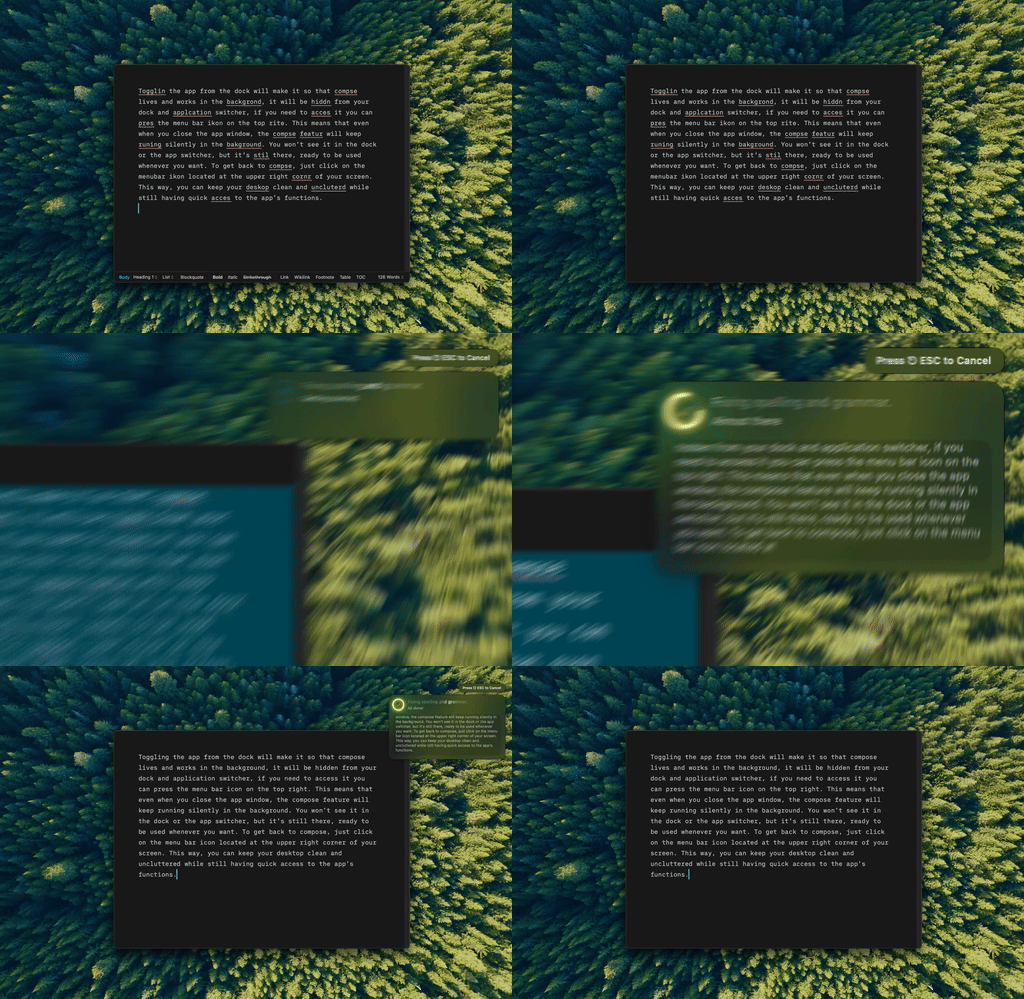
A one-line nudge like "more casual" is often all it takes.
Cut hedging and corporate speak on sight
The biggest voice killers: AI reaches for "it might perhaps be considered" where I'd written "this is." It reaches for "leverage," "utilize," and "drive outcomes." A two-pass method works: let AI handle grammar and clarity first, then restore my own personality on top. The same discipline matters when directing AI to write for you outright instead of editing your own draft, since there's no original sentence left to anchor the voice to.
Tell it where the writing is going
My LinkedIn voice isn't my blog voice isn't my Slack voice. "Edit for a blog post, casual, like I'm talking to a friend" produces different output than "edit for a company report." Different models default to different voices too, worth knowing before you pick one to lean on.
The test I actually run
I show someone who reads my stuff a mix of AI-assisted and fully handwritten paragraphs. If they can't tell which is which, I've won. If they can, I read the AI text aloud, and every phrase that makes me stumble is where my voice got overwritten.
What keeps my voice intact
Type Mac is the one I kept installed. My style guide lives in its context settings once, so I'm not re-pasting it into every rewrite, and correcting "this doesn't sound like me" takes a shortcut instead of a fresh prompt each time. A few reasons it held up over months of daily use:
- The context I save applies everywhere I write, not inside one chat thread only
- Vibe corrections happen on the selected text itself, so there's no copying a paragraph out and back in
- It works the same in Mail as it does in a Google Doc, so my voice doesn't reset per app
The honest limitation: it took about a week of actually using the shortcut before reaching for it beat reaching for a browser tab out of habit.
Your voice is worth protecting from the defaults. Type Mac keeps your style guide on hand for every rewrite.