
Best Privacy-Focused AI Writing Tools (No Data Storage)
Every time you paste text into a cloud AI tool, that text leaves your computer and lands on someone else's server. Most services log it; some train on it. I edit client deliverables and strategy docs for a living, so I spent a few weeks mapping exactly where the text goes: local models, bring-your-own-key apps, and standard cloud tools.
Local, BYOK, or standard cloud: where your text actually goes
| Approach | Where text goes | Trade-off |
|---|---|---|
| Local-only (Apple Intelligence, Ollama, LM Studio) | Never leaves your device | Weaker than Claude or GPT for anything beyond basic grammar |
| BYOK (your own API key) | Straight to the provider you chose | No middleman, but still leaves your device |
| Standard cloud AI tools | Processed, stored, and often used for training | Free tier, but your data is the product |
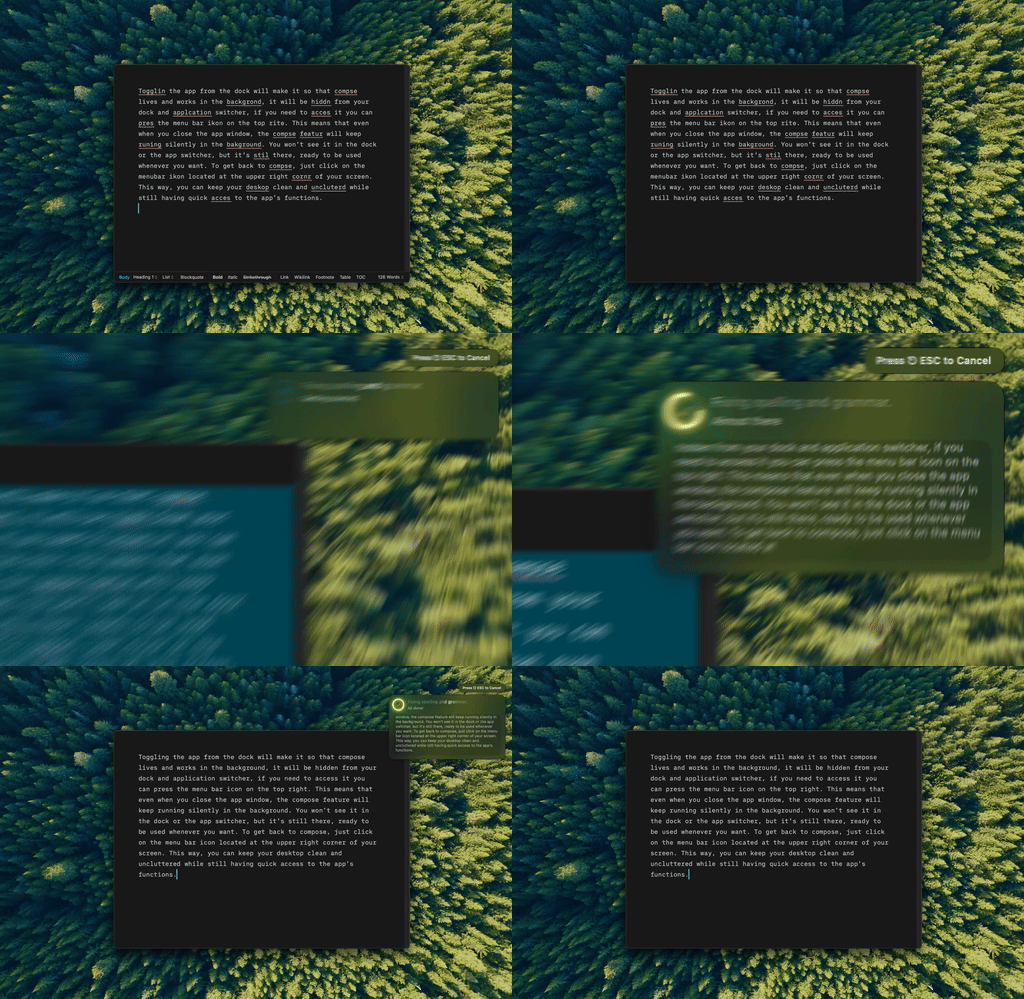
Type Mac connects straight to the API key I gave it, so the text goes to the provider I picked, never through a server in between.
BYOK cuts out the middleman
Bring your own key means getting an API key directly from OpenAI, Anthropic, or Google, then connecting a native app to it. The app developer never sees the content, same logic behind skipping subscriptions entirely. Enterprise API terms beat consumer chatbots too: no training on your data, a direct contract with the provider instead of unknown intermediaries.
For genuinely sensitive work, go local
Lawyers, doctors, and anyone handling client-confidential material should treat even BYOK as not private enough. A self-hosted LanguageTool server handles grammar checking locally. PrivateGPT does the same for general writing help. Both need setup most people skip.
Four questions that separate real privacy from marketing copy
- Does the tool store your text, and for how long?
- Is it used to train the model?
- Can you delete it on demand?
- Does the privacy policy define "improve our services," or leave it vague?
Vague language means assume the worst. A stated retention window and "we do not train on your data" are the real signals.
The practical privacy stack
- Daily writing: a native BYOK app with a direct API connection
- Simple spell-check: macOS's built-in tools, which never leave the device
- Truly sensitive material: a local model through Ollama
What I trust with sensitive drafts
Type Mac is the app still running on my Mac after all that testing:
- BYOK means my drafts go straight to the model I chose (Claude, GPT, or Gemini), nothing routed through a third-party server
- Nothing is stored or trained on, since the connection runs between me and the provider I picked
- I can see exactly which model handled a given rewrite instead of trusting a black box
The trade-off: it asks for Accessibility permission the first time you launch it, the same access a window manager needs. If that's a dealbreaker, a local setup like Ollama is the more conservative choice, at the cost of writing quality. More on how AI tools treat text after you hit send: what happens to your draft before a human ever sees it.
Bring your own key and keep drafts between you and the provider. Type Mac connects to Claude, GPT, or Gemini directly, free to try for 7 days.