
Wordtune Alternatives: AI Rewriting Tools Compared
I used Wordtune daily for about a year: highlight a clunky sentence, pick from a handful of AI rewrites, move on. Then I got curious what else was out there and spent a month running the same sentences through QuillBot, Grammarly, Notion AI, Jasper, and prompting Claude and GPT directly. Wordtune's core idea holds up. Everything wrapped around it doesn't.
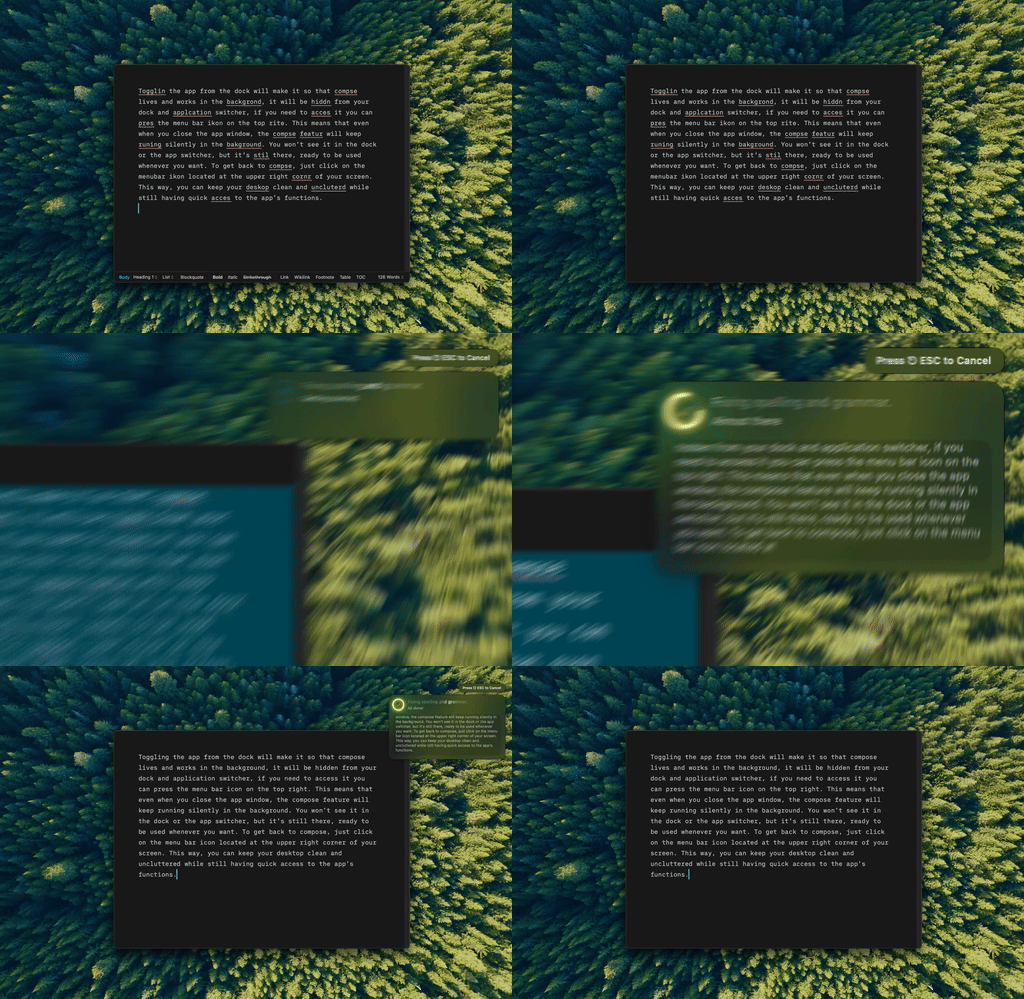
I'm fixing a sentence in Mail with Type Mac, no browser tab, no paste.
What I tried, and what it cost
| Tool | Price | Notes |
|---|---|---|
| Type Mac | $4.17/mo annually, BYOK | Native Mac app, works in any text field, not only the browser |
| QuillBot | $4.17/mo annually | Seven rewriting modes, better for academic use, still browser-based |
| Claude or GPT directly | Free–subscription | Best quality and most flexibility, but a copy-paste workflow |
| Grammarly Premium | $12–30/mo | Rewrites are secondary to its grammar focus, limited variety |
| Notion AI | $10/mo | Decent quality, locked inside Notion |
| Jasper | $49/mo | A marketing suite, overkill for rephrasing a sentence |
Wordtune only reaches half my writing
I write in Mail, Notes, Slack, and a code editor as often as I write in a browser. Wordtune only opens where there's a tab for it, so every rewrite outside Chrome meant copying text out, pasting it into Wordtune's site, then pasting the result back. I ran into the identical round trip researching Hemingway Editor alternatives — readability tools have the same copy-paste problem.
The math: $9.99 a month versus cents per rewrite
Wordtune Premium is $9.99 a month with a rewrite limit even on the paid tier. A BYOK app charges per token instead of per month: a hundred rewrites cost me under a dollar in API calls, and even a thousand rewrites, well past where Wordtune caps out, stayed under five dollars. The subscription buys convenience. The API calls are what's actually cheap.
Different models write differently
BYOK also means I'm not stuck with one provider's voice for every rewrite. Claude sounds the most natural for anything conversational, a flagship GPT model handles everyday writing well, a cheaper GPT tier is fine for bulk edits, and Gemini keeps up at higher volume. If paraphrasing specifically is what you're after rather than general rewriting, I went deeper on that comparison in QuillBot vs. Grammarly for paraphrasing.
Same sentence, two engines
I tested: "The meeting that was scheduled for tomorrow has been postponed until next week due to unforeseen circumstances."
- Wordtune: "Tomorrow's meeting is postponed to next week." Fine. Flat.
- Claude: "We've pushed tomorrow's meeting to next week, something came up." Reads like a person wrote it, once the model has a little context about tone.

Same shortcut, different tone: Type Mac rewrote the line without me retyping anything.
The Wordtune replacement I kept
Type Mac is what's still on my Mac after that month. A few reasons:
- It reaches every app I write in, not only the browser, so I stopped copy-pasting into a rewriting tool entirely.
- BYOK means I pick the model per task instead of being stuck with Wordtune's single engine.
- One shortcut replaces Wordtune's highlight-and-pick flow: select the sentence, hit the key, it's rewritten in place.
- At $4.17 a month on the yearly plan it undercuts Wordtune's $9.99 outright, before even counting API costs.
The honest tradeoff: it edits text you already wrote. If you want something to draft a paragraph from nothing, that's a different tool. For fixing a sentence you've already written, it's the one I reach for now, and I still keep Grammarly's keyboard shortcuts in my head, plus a wider list of proofreading shortcuts on Mac, for the days I'm stuck in a browser anyway.
Wordtune got me used to the idea. Type Mac is what made it work everywhere I actually type.