
macOS 27 Writing Tools: What Changed and Where They Went
macOS 27 Writing Tools still work, but three things moved in macOS 27 Golden Gate. The shortcut menu path is one level deeper: Control-click the selected text, choose Writing Tools, then choose Show Writing Tools. If you turn on the new Siri AI (Beta), Apple points you to Write with Siri for the same jobs. And Apple's guide now puts the related settings in the Siri pane.
Reports on forums and blogs about macOS 27 Writing Tools do not agree. This post states only what Apple's documentation and release notes say, plus what a Mac with macOS 27.2.1 shows. It does not repeat unconfirmed reports.
What changed in macOS 27 Writing Tools
| Area | macOS Tahoe 26 | macOS 27 Golden Gate |
|---|---|---|
| Open from selected text | Control-click > Show Writing Tools | Control-click > Writing Tools > Show Writing Tools |
| New writing assistant | None | Write with Siri, with Siri AI (Beta) |
| Who gets Writing Tools | All Apple Intelligence users | Apple lists it for users without Siri AI writing support |
| Settings pane in Apple's guide | Apple Intelligence & Siri | Siri |
| Turn on | A button in Apple Intelligence & Siri | Automatically available on eligible Macs |
| Proofreading | Proofread on request | Proofread on request, plus automatic proofreading as you type |
| Screen Time control | Intelligence & Siri > Writing Tools | Content & Privacy Restrictions > Siri > Writing Assistance |
| Macs that can install it | Apple silicon and four Intel models | Apple silicon Macs and MacBook Neo only |
The Edit menu still has Writing Tools. On macOS 27.2.1, Edit > Writing Tools lists Show Writing Tools, Proofread, Rewrite, Make Friendly, Make Professional, Make Concise, Summarize, Create Key Points, Make List, Make Table, and Compose.
Where are Writing Tools in macOS 27?
- Select the text.
- Control-click the selection, choose Writing Tools, then choose Show Writing Tools. You can also choose Edit > Writing Tools in the menu bar.
- Choose Proofread, Rewrite, a tone, Describe a change, Summarize, or Key Points.
- Click Done.
macOS 27 Writing Tools gone? Four checks
1. Siri AI (Beta) is on
Apple's Apple Intelligence support page lists Writing Tools as "available for users without Siri AI writing support." With Siri AI on, Apple's guide says to use Write with Siri: select the text, hold the pointer over it or click Write with Siri when it appears, then choose an option or describe what you want. You can also activate Siri and ask, for example, "Proofread this."
To go back to Writing Tools, Apple describes how to switch to Siri Classic: turn off Siri in the Siri pane, click Turn On Siri, then select Use Siri Classic.
2. You looked in the old menu location
On macOS Tahoe 26, Show Writing Tools was in the first level of the Control-click menu. On macOS 27, Apple's guide puts it inside the Writing Tools submenu. Use Edit > Writing Tools if you cannot find it.
3. Screen Time blocks Writing Assistance
On macOS 27, Screen Time has a capability named Writing Assistance. Its description on macOS 27.2.1 reads "Allow help with writing, including in Siri, Writing Tools, and Mail." If it is set to Blocked, Writing Tools is not available.
4. Your language is not supported for Siri AI
Siri AI starts in English, French, Japanese, Korean, Portuguese, and Spanish. Apple Intelligence supports 16 languages. On a Mac set to German or Swedish, you get Writing Tools, not Write with Siri.
If none of these checks applies, follow the Writing Tools not working checklist.
macOS 27 Writing Tools unavailable
Apple's macOS 27 release notes list this resolved issue: "Writing Tools on macOS might stop working after you use Describe Your Change." Install the latest macOS 27 update in System Settings > General > Software Update.
If Writing Tools opens but shows "Writing Tools Unavailable," the second line of the message names the cause. Each Writing Tools Unavailable message, with its fix.
macOS 27: disable Writing Tools
- Open System Settings, then click Screen Time.
- Click Content & Privacy Restrictions, then click Siri.
- Next to Writing Assistance, choose Blocked.
On macOS Tahoe 26, the setting is in Screen Time > Content & Privacy > Intelligence & Siri, where you turn off Writing Tools. To block only the ChatGPT extension on macOS 27, Apple's guide points to Screen Time > Content & Privacy > Intelligence & Siri.
macOS 27 Apple Intelligence missing
macOS 27 does not install on Intel Macs. Apple's compatibility list for macOS 27 has only Apple silicon Macs and MacBook Neo. On a supported Mac, Apple Intelligence can be missing because of the language, the region, a model download, or a company restriction. These are the reasons Apple Intelligence does not show, with the exact messages from the Siri pane.
Check the storage too. Apple says Apple Intelligence on macOS 27 needs up to 14 GB on Macs with M3 or later and at least 12 GB of unified memory, and up to 8 GB on other Macs.
A writing shortcut that macOS updates do not move
Each macOS release can move a menu, rename a setting, or put a new assistant in front of the old one. A shortcut that belongs to its own app does not move with them.
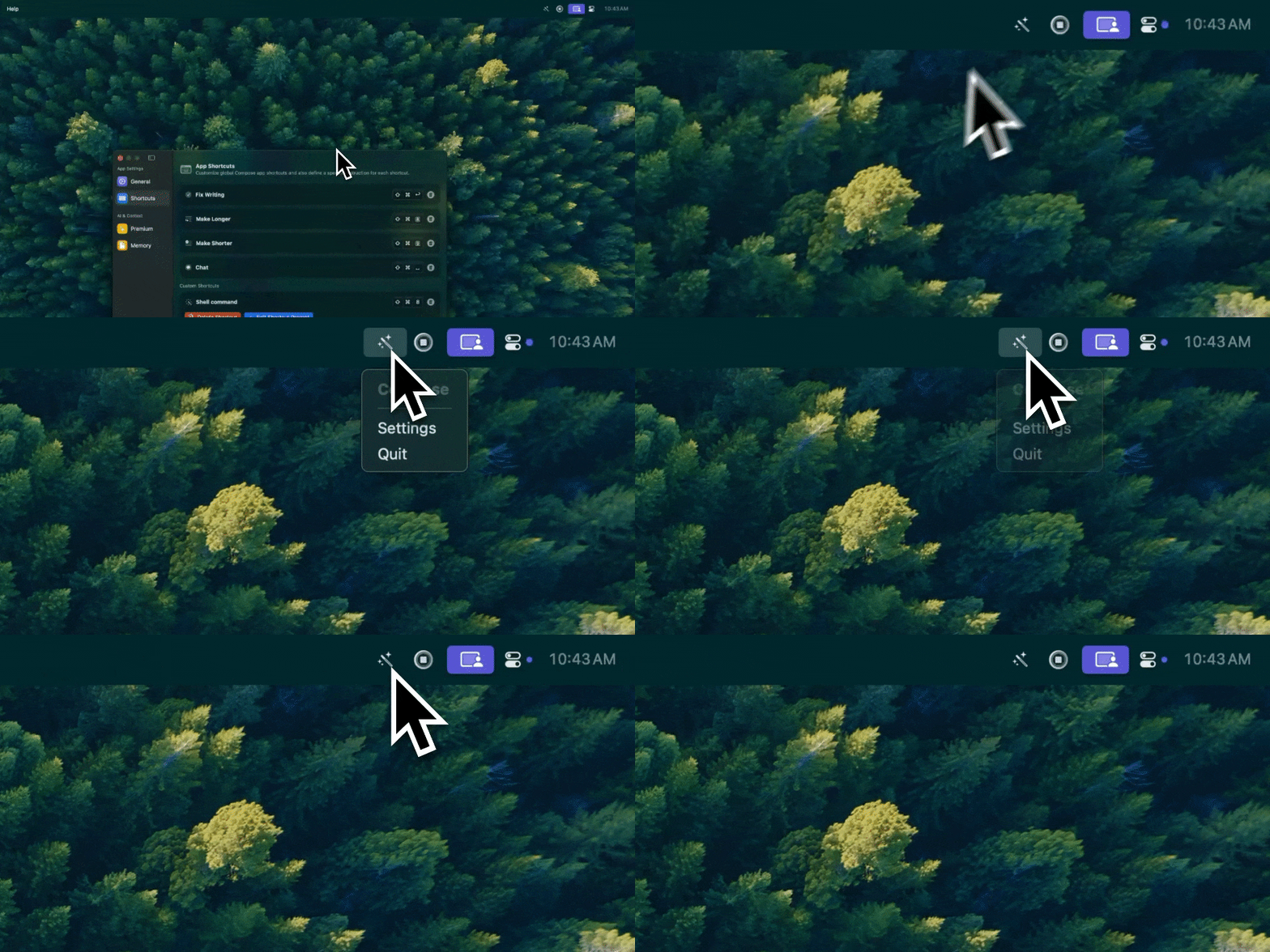
Type Mac stays in the menu bar and fixes the selected text in any app with one keyboard shortcut.
Type Mac shortcuts do not use the Writing Tools menu, the Siri pane, or Apple Intelligence. Select text, press your shortcut, and the result replaces the selection. Make shortcuts for grammar, tone, length, and translation, each with your own instruction. Type Mac runs on Intel and Apple silicon Macs with macOS Sonoma 14.1 or later, so an Intel Mac that cannot install macOS 27 keeps the same tool. Use the built-in model, or add your own key for OpenAI, Anthropic, Gemini, Groq, or OpenRouter. Plans are $4.99 a month, or $49.99 a year with a 7-day free trial. See the Apple Writing Tools alternative.
FAQ
Did Apple remove Writing Tools in macOS 27?
No. Apple's macOS 27 Mac User Guide documents Writing Tools, and Edit > Writing Tools is in the menu on macOS 27.2.1. Apple lists it for users without Siri AI writing support.
What is macOS Golden Gate?
macOS 27 Golden Gate is the macOS release that follows macOS Tahoe 26. It adds Siri AI (Beta) and the next generation of Apple Intelligence.
Can I use Writing Tools and Siri AI at the same time?
Apple's documentation separates them: Write with Siri for Siri AI users, and Writing Tools for users without Siri AI writing support. To use Writing Tools, switch to Siri Classic.
Does macOS 27 run on Intel Macs?
No. Intel Macs stay on macOS Tahoe 26 or earlier, and Apple Intelligence does not run on them.
Sources
- Use Writing Tools to write, improve, and summarize content on Mac, Mac User Guide (macOS 27)
- Use Writing Tools with Apple Intelligence on Mac, Mac User Guide (macOS Tahoe 26)
- Siri AI: Write with Siri on Mac, Mac User Guide
- Turn off and restrict access to Apple Intelligence features on Mac, Mac User Guide
- Change Siri Restrictions settings in Screen Time on Mac, Mac User Guide
- What's new in macOS 27, Mac User Guide
- Get started with the next generation of Apple Intelligence, Apple Support
- macOS 27 Golden Gate Release Notes, Apple Developer
- macOS 27 Golden Gate, Apple
Tired of chasing menus after each update? Try Type Mac and keep one shortcut on every macOS version it supports.